

Health Sciences Center Campus
Our Health Sciences Center (HSC) Campus is located in the heart of Louisville’s medical center area, helping put us at the forefront of health care in Kentuckiana and beyond.
The heart of the Louisville medical center
The HSC Campus is located in downtown Louisville’s medical complex and is home to the schools of Medicine, Nursing, Dentistry and Public Health and Information Sciences, along with University of Louisville Hospital and UofL Health – Jewish Hospital. The UofL Health enterprise includes eight hospitals, four medical centers, the Frazier Rehab Institute, Brown Cancer Center and nearly 200 physician practice locations.

Maps & Directions
Explore the Health Sciences Center Campus


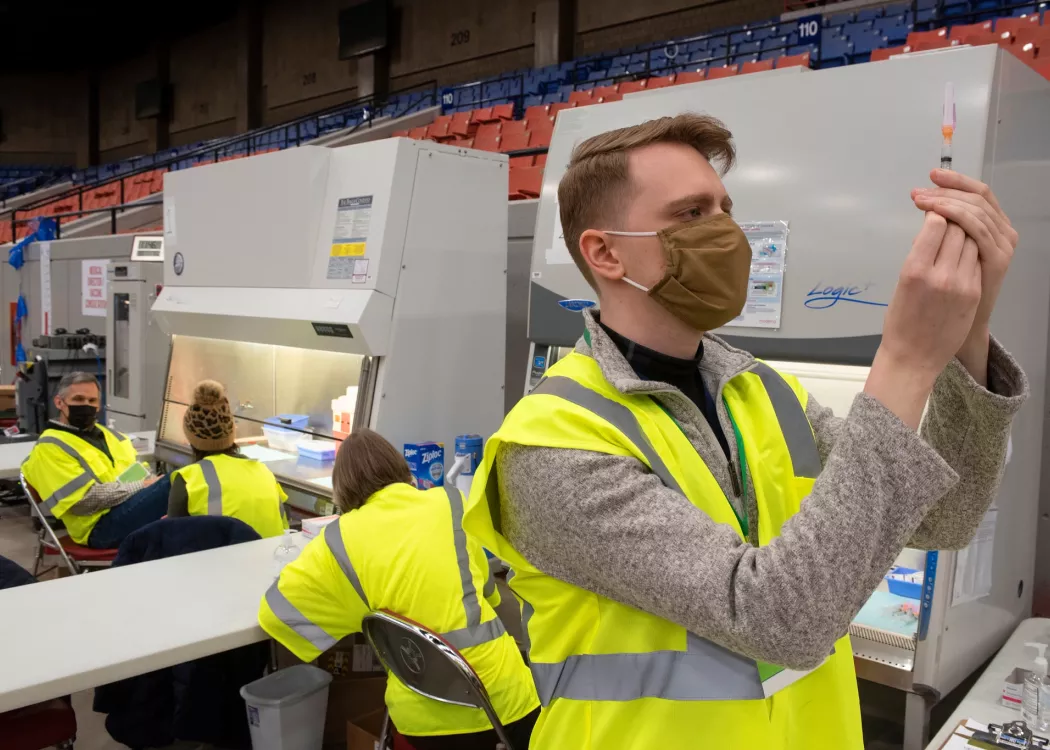
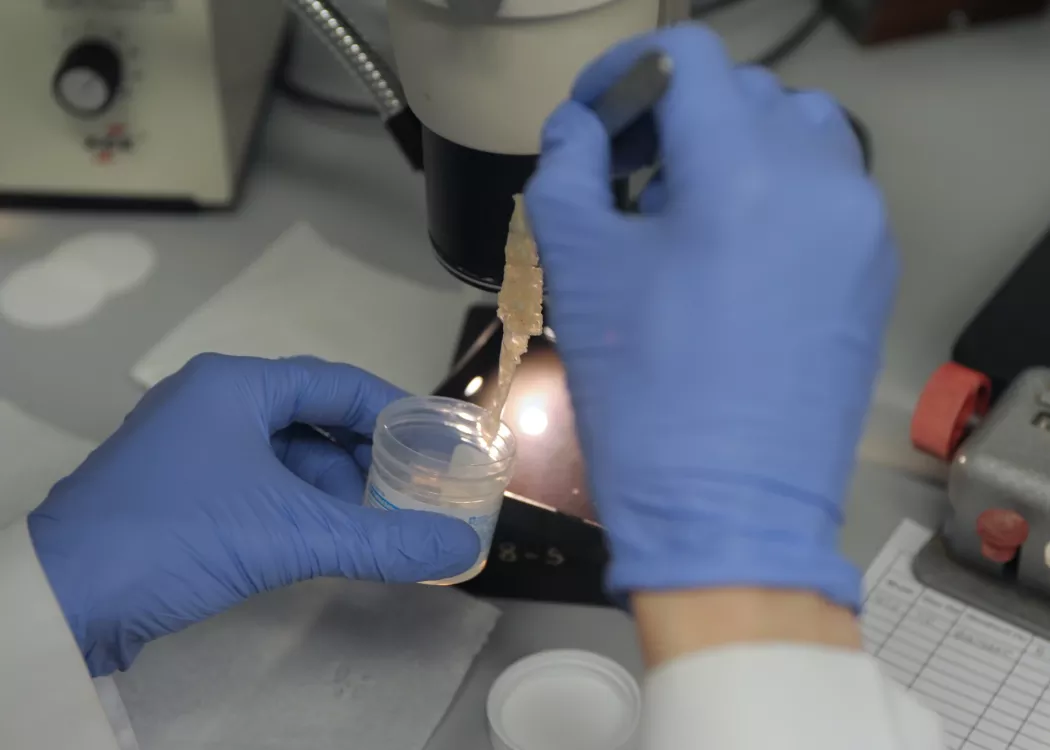


A leader in local and regional health care
UofL's health care partners and affiliates ensure high-quality medical and dental care that leads to thriving futures for patients throughout Louisville and beyond. UofL is transforming the health of the communities served with compassionate, innovative, patient-centered care.

Ready to join our Cardinal community?
The UofL application process makes it easy for you to take flight. With more than 200 degree programs, we're committed to equipping you with the knowledge and resources to succeed.